Invite
Add Blokos assistant without Administrator permission.
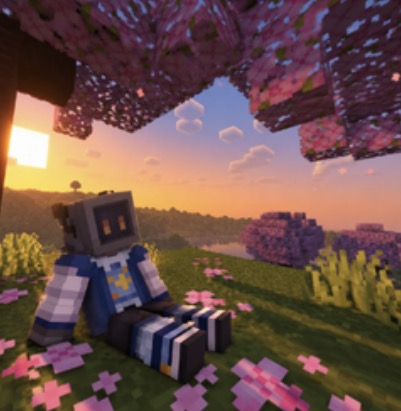 Blokos assistant
Blokos assistant is organised around feature packs, server scope and minimum permissions. The same structure is used here so setup and troubleshooting stay predictable.
Add Blokos assistant without Administrator permission.
Open the dashboard with the Discord account that manages your server.
Turn on only the feature packs your community actually needs.
Review required permissions and test the feature before relying on it.
Each area below describes what belongs together and what should be checked when configuring it.
Invite the bot, sign in to the dashboard, choose feature packs and review minimum permissions before enabling anything.
Configure staff permissions, warnings, kicks, mutes, bans, moderation history and the channels that receive staff logs.
Create support panels, categories, claims, assignments, transcripts, internal notes, reports and appeal flows.
Set up anti-spam, anti-raid, honeypot, verification, alt alerts, AntiVPN alerts and false-positive controls.
Configure suggestions, giveaways, counting, roles, announcements and creator notifications.
Use public server status and connect supported player, tier, vote, rank, purchase and Nova tools.
Understand server scope, member access, feature packs, snapshots, audit information and the Owner Fleet Centre.
Start with permissions, channel bindings and the debugger before changing unrelated settings.